

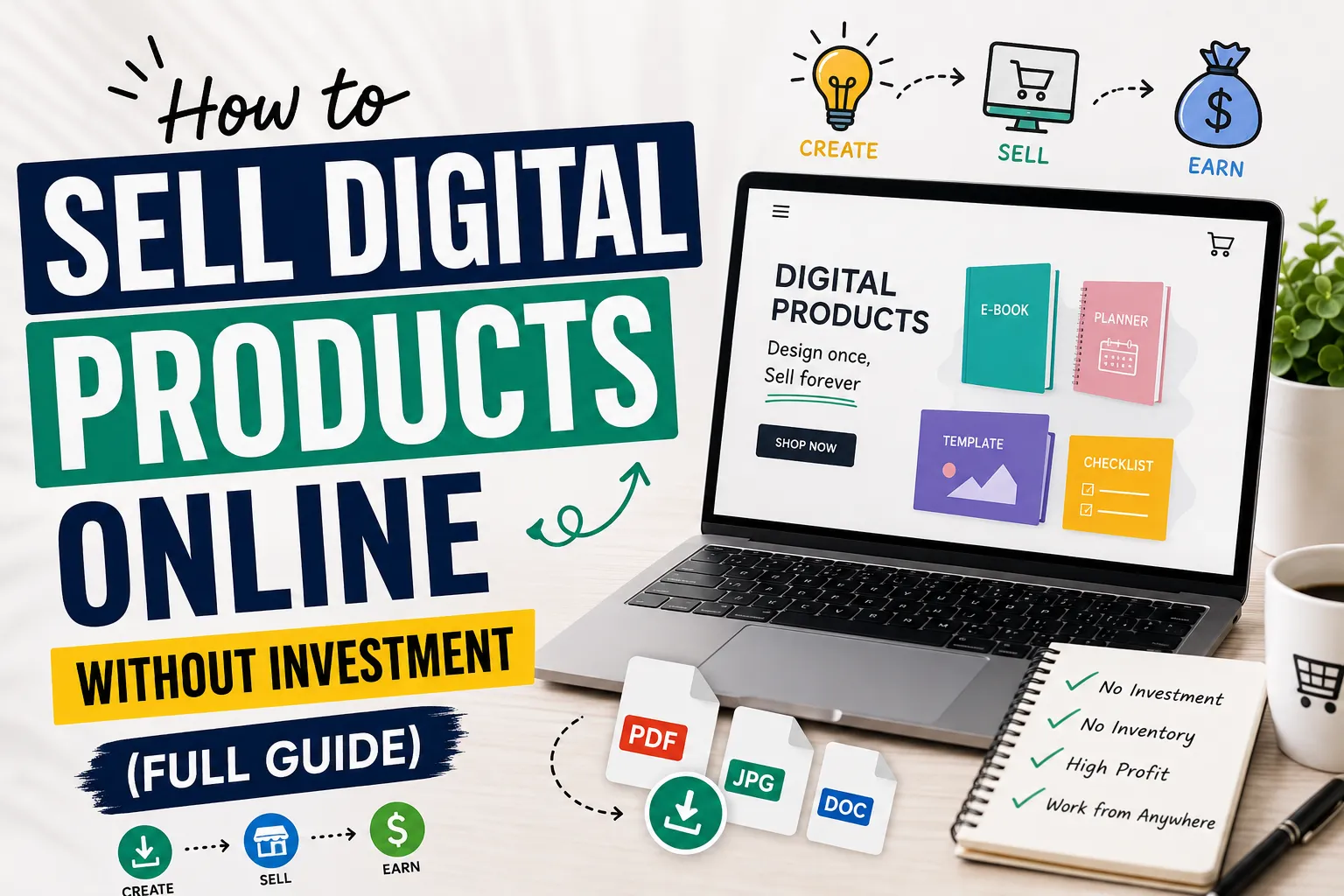
How to Sell Digital Products Online in 2026-2027 Without Investment (Full Guide)
Selling digital products online is honestly one of the smartest moves you can make if you want to earn money without putting any cash upfront. No warehouse, no shipping headaches, no expensive gear. Just a laptop, a useful skill, and the patience to stay consistent.
I realized how big this opportunity was when I came across regular people — not big companies — earning decent income from simple PDFs and Canva templates. They weren’t doing anything magical. They just figured out one specific problem their audience had and built something to fix it.
That’s what makes digital products so powerful: create it once, sell it hundreds of times, no inventory stress whatsoever.
What Exactly Are Digital Products?
These are simply files or resources that people purchase and download. Nothing physical, nothing to ship.0
Some popular examples:
- Canva templates for social media or resumes
- E-books or focused “how-to” guides in PDF format
- Digital planners for iPads
- Printables like habit trackers or budget sheets
- AI prompt packs for ChatGPT or Midjourney
A lot of beginners psych themselves out thinking they need expensive software or advanced skills. Honestly, some of the best-selling products out there are refreshingly simple. A one-page checklist solving the right problem will outsell a complicated 80-page e-book nobody asked for. Don’t overthink it.
Why Digital Products Make So Much Sense
Both sellers and buyers love digital products for one core reason: convenience. But beyond that, there’s a real financial case for it too.
- No shipping fees — delivery is instant
- Zero startup risk — no stock to buy upfront
- Profit margins of 60–80% or higher since there’s no cost per unit
- Global reach — sell to someone in New York while sitting in Lahore or Karachi
If you’re a student, your well-organized notes could be someone else’s lifesaver. If you’re a designer, your templates are someone’s shortcut. Whatever you’re genuinely good at can likely be packaged into a download worth paying for.
Choosing Your First Product
Don’t create something randomly. The products that actually sell are built around a specific problem — they save someone time, teach something practical, or make part of their life easier.
Before creating anything, ask yourself: Who is this for, and what problem does it solve?
Good starting points:
- Canva Templates — Small business owners constantly need Instagram posts, pitch decks, or resume designs. You can make solid ones using Canva’s free version and the demand never slows down.
- Simple E-books or Guides — A focused 10–15 page PDF teaching one specific skill sells extremely well. It doesn’t have to be long — it has to be useful and specific.
- Printables — Meal planners, to-do lists, budget trackers. Consistently popular on Etsy because people are already searching for them daily.
- AI Prompt Packs — Most people use ChatGPT but struggle to get quality results. A well-organized prompt pack built around a specific use case — writing, marketing, or studying — is genuinely valuable right now.
Research Before You Build Anything

This is where most beginners skip ahead too fast, and it costs them weeks of wasted effort.
Open Pinterest or Etsy and type a broad topic into the search bar. Pay attention to the autocomplete suggestions — those are real searches from real people. If the same specific request keeps appearing, that’s your signal. Demand is already there waiting.
On Reddit, find communities related to your topic and look at what people ask for repeatedly. That frustration you keep seeing in threads? That’s your product idea hiding in plain sight.
One practical tip — if you find similar products already selling well on Etsy, that’s actually good news. It confirms people pay for this. Your job is simply to make a better or more specific version.
Create Your Product for Free
You don’t need to spend anything to get started. These free tools are genuinely enough:
- Design: Canva
- Writing/Guides: Google Docs — write, format cleanly, export as PDF
- Planners/Organization: Notion
- Editing: CapCut or Photopea
Buyers care far more about whether the product actually solves their problem than whether it looks agency-level polished. Clean, clear, and well-organized beats flashy every time.
Where to Sell
You don’t need your own website. These platforms handle payments and file delivery for free:
- Gumroad — Beginner-friendly, have a product live within an hour
- Payhip — Clean interface, handles downloads automatically
- Etsy — Best for printables and templates; the audience is already browsing
- Ko-fi — Great if you have a small following and want low-fee sales
Start on one platform, master it, then expand later. Also, you can explore “Best Websites to Sell Digital Products Online”
Make Your Listing Look Professional
Even an excellent product loses sales when the listing looks sloppy. Buyers make snap judgments based on visuals before reading a single word.
Use Canva’s free mockup templates to show your product on a laptop screen or tablet. It instantly builds trust and makes your listing look credible. Add multiple preview images showing different sections inside your product — the more transparently you show what’s included, the more comfortable buyers feel hitting that purchase button.
SEO: How People Actually Find You
SEO determines whether your product gets discovered or buried. The words in your title, tags, and description directly affect whether you show up in search results.
Your product title is the most important place to start. Use words your actual buyer would type — not creative names that sound clever but nobody searches for.
- Weak: “Cool Budget Tool”
- Strong: “Monthly Budget Planner Spreadsheet for College Students”
In your description, be specific and honest. Explain what’s included, what format the files are in, and who it’s best for. Avoid vague, over-hyped language — buyers are skeptical of exaggerated claims and platforms like Google reward straightforward, helpful content.
Getting Traffic Without Paying for Ads
You don’t need an ad budget. Organic traffic is free and more sustainable anyway.
Pinterest is one of the most underrated channels for digital product sellers. Unlike Instagram posts that disappear after a day, a Pinterest pin can drive clicks for months. Create visually clean pins, write keyword-rich descriptions, and link directly to your shop. Consistency here compounds over time.
Short videos on TikTok or Instagram Reels work surprisingly well too. You don’t need to go viral — just show your product being used. A 30-second screen recording of your template in action or someone filling out your planner builds more trust than any polished ad ever could.
Pricing Your Product
Pricing trips up a lot of beginners — either they price too low out of insecurity or too high before building any trust.
A simple framework that works:
- Single templates or printables: $5 – $10
- Guides, e-books, prompt packs: $15 – $25
- Full bundles or toolkits: $40+
Start at the lower end, get some buyers and reviews, then gradually raise your prices. A product with 20 positive reviews can charge significantly more than the same product with zero. Let credibility do the justification work for you.
Mistakes That’ll Hold You Back
- Copying others — Don’t resell someone else’s work as your own. You’ll get banned from platforms and your reputation won’t survive it.
- Waiting for perfection — Launch Version 1 and improve it based on real feedback. The sellers who win are the ones who ship something and iterate, not the ones tweaking endlessly in private.
- Quitting before SEO kicks in — It takes weeks for listings to start appearing in meaningful search results. Most people give up right before things start moving. Stay consistent.
Conclusion
Selling digital products is one of the most realistic, low-risk ways to build an income stream online. No upfront investment, no inventory, no logistics headaches. Just knowledge, effort, and consistency.
It won’t happen overnight — but for anyone willing to solve a real problem and stay consistent long enough for momentum to build, it genuinely works.
Start with one product. Keep it simple. Make it actually useful. And keep going — because the people who succeed here aren’t always the most talented, they’re just the ones who didn’t quit when things moved slowly at the start.
Frequently Asked Questions (FAQs)

1, Can beginners sell digital products online?
Yes, and honestly more beginners are doing this than you’d think. You don’t need to be some tech expert or have years of experience. Starting with something simple like a Canva template, a printable checklist, or a short PDF guide is completely fine. The only thing that really matters is whether your product helps someone — that’s it.
2, Do I need money to start selling digital products?
No, and this is genuinely one of the best things about this whole model. Canva is free. Google Docs is free. Gumroad and Payhip let you start a shop without paying anything upfront. Some people start with free tools and make sales without spending much money upfront. The startup costs are extremely low compared to most online businesses.
3, What are the easiest digital products to sell as a beginner?
From what I’ve seen, these tend to work really well for beginners:
- Canva templates
- Budget planners
- Printable checklists
- Study notes
- Simple e-books
- AI prompt packs
These don’t take weeks to build and people regularly search for them on Etsy and Pinterest.
4, How long does it take to make your first sale?
There’s no fixed answer here — some people get their first sale within a week, others wait a month or two. It really depends on your product, how well you’ve set up your listing, and whether you’re putting any effort into promotion. What I’d say is don’t panic if nothing happens in the first few days. SEO takes time to warm up. Stay consistent and give it a fair shot.
5, Which platform is best for selling digital products?
Honestly it depends on what you’re selling:
- Etsy — best for printables and templates since buyers are already there looking
- Gumroad — easiest to set up if you’re just starting out
- Payhip — simple and clean, good for general digital downloads
- Ko-fi — works well if you already have a small following somewhere
Pick one, get comfortable with it, and expand later. Trying to manage five platforms at once when you’re just starting is just overwhelming for no reason.
6, Do I need a website to sell digital products?
No, you really don’t — at least not in the beginning. Platforms like Etsy and Gumroad handle everything: payments, file delivery, the whole thing. A personal website might make sense eventually when you’re more established, but worrying about it before your first sale is just putting obstacles in your own way.
7, Can students sell digital products online?
Absolutely. Students often have useful knowledge and resources they can turn into digital products. Your lecture notes, study guides, revision planners, or even a simple productivity template — these are things other students would genuinely pay for if it saves them time. You already have the knowledge; you just need to package it properly.
8, Is selling digital products really passive income?
Sort of — but I want to be real with you about this. Yes, a product can sell while you’re asleep once it’s properly set up, and that part feels great. But getting to that point takes actual work: researching, creating, writing good listings, and promoting. It’s not the “upload once and retire” fantasy some people sell online. Think of it more like planting seeds — you put in the effort upfront, and then it gradually starts paying off over time.