

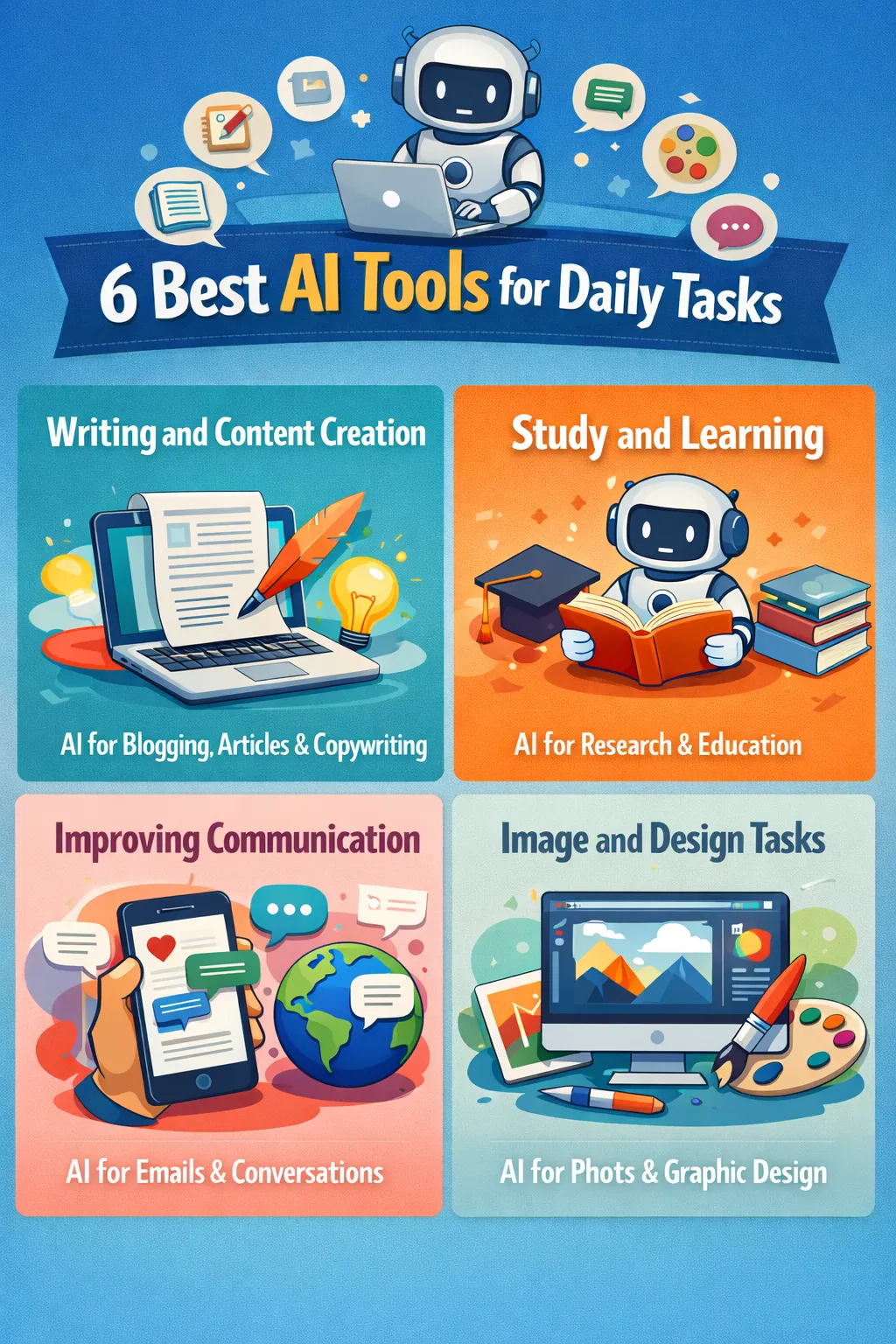
Best AI Tools for Daily Tasks
Artificial Intelligence (AI) is no longer limited to tech experts or big companies. Today, it has become an important part of everyday life, helping students, freelancers, and business owners work smarter.
Best AI tools for daily tasks can help you save time and improve productivity, and complete your daily tasks more easily. For example, a student uses Claude to summarize a 10-page chapter in 2 to 5 minutes.
In this article, you will explore the best and easiest ways to use AI in daily life, especially for beginners who want practical and simple solutions.
Understanding How AI Helps in Daily Life
AI is a technology that can perform tasks in a way similar to human thinking. It analyzes data, makes suggestions, and can automatically perform repetitive tasks.
The main purpose of using AI in daily life is to:
- You can save your time
- Reduce effort in daily tasks
- Making better decisions with AI suggestions
These days, AI tools are readily available through mobile apps and websites.
Avoid Common Mistakes Using AI
When using AI, it’s important to avoid some common mistakes.
- Don’t blindly copy AI content.
- Don’t share sensitive information.
- Over-reliance should be avoided.
- It’s important to verify every output provided by AI.
AI is just a tool and makes mistakes.
List of tools:
- ChatGPT – planning, daily help
- Claude – best for natural, human-like writing
- Motion – auto scheduling + daily planning
- Duolingo → free + ads, premium paid option
- Replika – conversation practice
- Canva (AI Magic Studio) – social posts, logos, presentations (easy)
- Gemini – Simple and Free
- MyFitnessPal – food tracking + health goals
1, Using “ChatGpt & Claude” for Writing and Content Creation

You can use ChatGPT and Claude in the following tasks.
1. Answering Questions
- General Information (History, Science, Technology, etc.)
- Academic Support (Mathematics, Concepts, Explanations)
2. Writing and Content Creation
- Writing Articles and Stories
- Writing Emails, Subheadings, and Texts
- Writing Resumes and Cover Letters
Many students use Claude to create content for social media posts. Some also use it to write for clients and earn pocket money.
3. Programming Assistance
- Writing Code (Python, JavaScript, etc.)
- Debugging
- Explaining Programming Concepts
4. Translation and Language Support
- Translation from English to Hindi or any other language
- Grammar Correction
5. Chatting and Ideas
- Business Ideas, Startup Ideas
- Curriculum Planning, Career Guidance
- Life Advice
Example
1. Let’s say you’re a student preparing for your exams. You have fewer days for learning and a lot of work to do, and you’re confused about how to manage your time.
In this case, you can use ChatGPT to create your perfect daily study schedule simply by typing something like: “Create a 5-hour daily study plan for a student with 3 subjects.”
2. Many freelancers use Claude to make their work faster and more efficient. For example, you can ask Claude, “Write a 200-300-word Instagram caption for a perfume brand,” and it will generate a well-written, human-style caption for you.
Want to earn from content writing? We’ve explained everything step-by-step in this guide.

2, Managing Daily Tasks with ChatGPT and Motion
1. ChatGPT
You can manage your daily tasks with ChatGPT by just telling it your routine and goals, and it will create a proper plan for you.
You can also ask for a to-do list or a daily schedule for better organization.
Example
You can ask ChatGPT!
“Today I have to study 3 subjects, meet my friends, play cricket, and relax a bit—create a plan for my day.”
ChatGPT will create a complete daily schedule for you.

2. Motion
With this smart tool, “Motion AI,” you can schedule your tasks and plan your whole day.
It organizes work based on deadlines, priorities, and available time.
Simply, you can say that it is a ‘task manager and AI personal scheduler.’
Example
You can add your daily tasks to Motion, such as studying, playing games, exercising, or going out.
Motion will then automatically create a daily schedule for you based on these tasks. You can also plan your entire week, follow your schedule regularly, and become more punctual.

3, Duolingo for Study and learning
Duolingo is a professional tool and can be used as your studying assistant.
You can use Duolingo for:
- Learning new languages such as English, Urdu, and Hindi.
- Improving your grammar and vocabulary
- Practice for daily speaking and listening
- Building strong reading and writing skills
- Practicing through fun quizzes and lessons
Example
Many students use Duolingo to improve their English skills or learn other languages. It’s an AI-based app that offers short lessons and quizzes, and students can also practice speaking to improve and enhance their communication skills.

4, Improving Communication with Replika
Replika is a tool that allows you to significantly improve your communication skills in a very effective way.
Uses of the Replika AI Tool:
- Chat practice to improve communication
- Learn how to express thoughts in English
- Practice social conversations
- Emotional support / friendly talks
- Build confidence in speaking
If you are a freelancer or work online, this feature can be very useful for you.
Example
With Replika, you can practice daily conversations like greeting, introducing yourself, or talking about your daily routine. This helps students to improve their confidence in speaking.
With Replika, People who feel shy or get nervous can practice talking step-by-step, which helps them become more comfortable in real-life conversations.

5, Gemini and Canva for Image and Design Tasks
For Image and Design Tasks, there are 2 professional and smart tools (Gemini, Canva).
Even if you don’t know how to design, you can still create basic to advanced graphics with Gemini and Canva (AI Magic Studio).
1. Gemini
Gemini is an AI tool from Google that understands text and helps with writing, ideation, summarization, and simple design tasks.
It provides human-like responses and can be a good option for students and freelancers. It can also generate content ideas and captions for tools like Canva. However, its information should always be checked as it can sometimes contain errors.

Example
With Gemini, you can ask questions, solve problems, share your concerns, and get advice. Families can ask for recipes and much more.
But don’t believe blindly in AI. Everything it says this is AI, not a real human. AI can make mistakes, so every piece of information should be checked and confirmed.
2. Canva (AI Magic Studio)
To generate images and designs with Canva AI Magic Studio, open Canva on your mobile or pc and choose a design. Then, type (post, logo, banner, etc.).
Use the “Magic Media” or “Text to Image” tool.
Write a simple prompt like “trending logo for YouTube video” or “Snowfall view ”.
Canva AI will generate images or design ideas for you automatically.
Then you can edit colors, text, and layout as you want.
Note: The free version of Canva (AI Magic Studio) has limited features; you need to unlock the Pro version to access all premium features.
Example
Canva lets you design YouTube thumbnails, Facebook posts/banners, Instagram posts, and much more. You can create presentations, flyers, wedding cards, and almost anything else. It offers ready-made templates, and you can edit text, colors, and images to enhance your design.

6, Using MyFitnessPal for Health and Lifestyle Guidance
MyFitnessPal is a smart health and fitness care tool that helps you to track your daily food routine, calories, and nutrition using AI-based suggestions.
How can MyFitnessPal be used?
- Download the MyFitnessPal app and create an account
- Enter your goal (weight loss, gain, or maintenance)
- Add your daily food routine by searching or scanning food
- AI calculates calories and nutrients automatically for you
- Get daily reports and suggestions to improve your fitness
But it’s important to seek expert advice for serious health-related decisions.
Example
For example, if you eat rice, chicken, and salad for lunch, you can log it in the app. It will instantly show you how many calories you’ve consumed and how many you need to reach your daily goal.
Important note:
Always use AI fitness apps as a guide only. For serious health or medical decisions, consult a qualified doctor or nutritionist.

Conclusion
If you’re a beginner, follow these simple steps:
- Start with one or two AI tools.
- Use them daily for small tasks.
- Observe the results.
- Gradually, increase your usage.
Consistency allows you to maximize the benefits of AI.
Disclaimer
- This article is for informational and educational purposes only.
- The AI tools mentioned are based on general usage and may vary in performance.
- We do not guarantee specific results from using any listed AI tool.
- Users should verify all information before making decisions.
- Do not rely entirely on AI for important or professional tasks.
- Avoid sharing personal or sensitive information with AI platforms.
- Some tools may require paid subscriptions for full features.
- We are not affiliated with any of the tools mentioned in this article.
- Use AI responsibly and at your own discretion.
- For critical decisions, always consult a qualified professional.